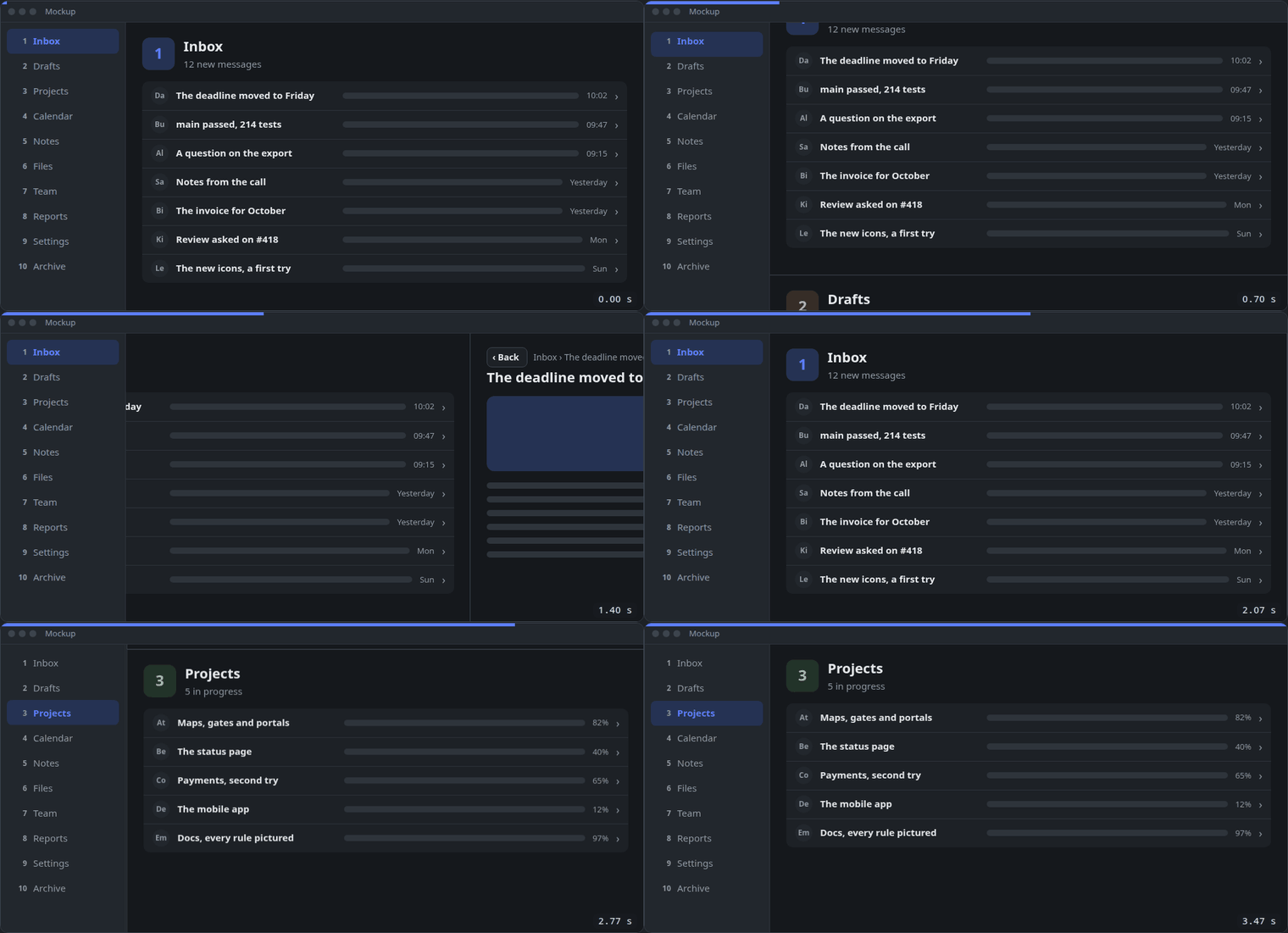
How a screen moves: sections, rows and lists, and what a click mid-way does. Each rule has a picture and a live demo. Most of them morph: one element turns into another, its shape, size and place changing through every frame between, so the eye follows it as the same thing.
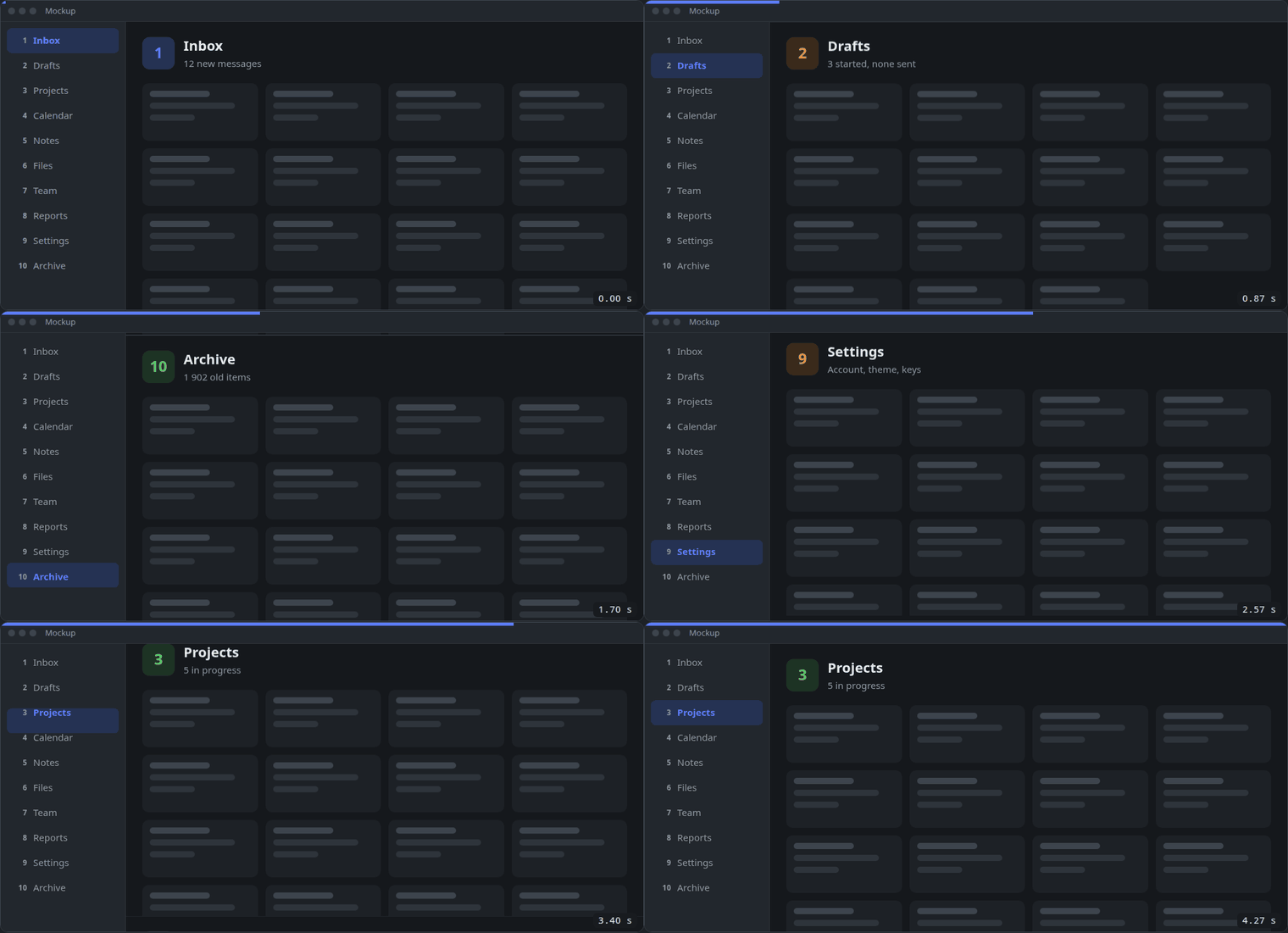
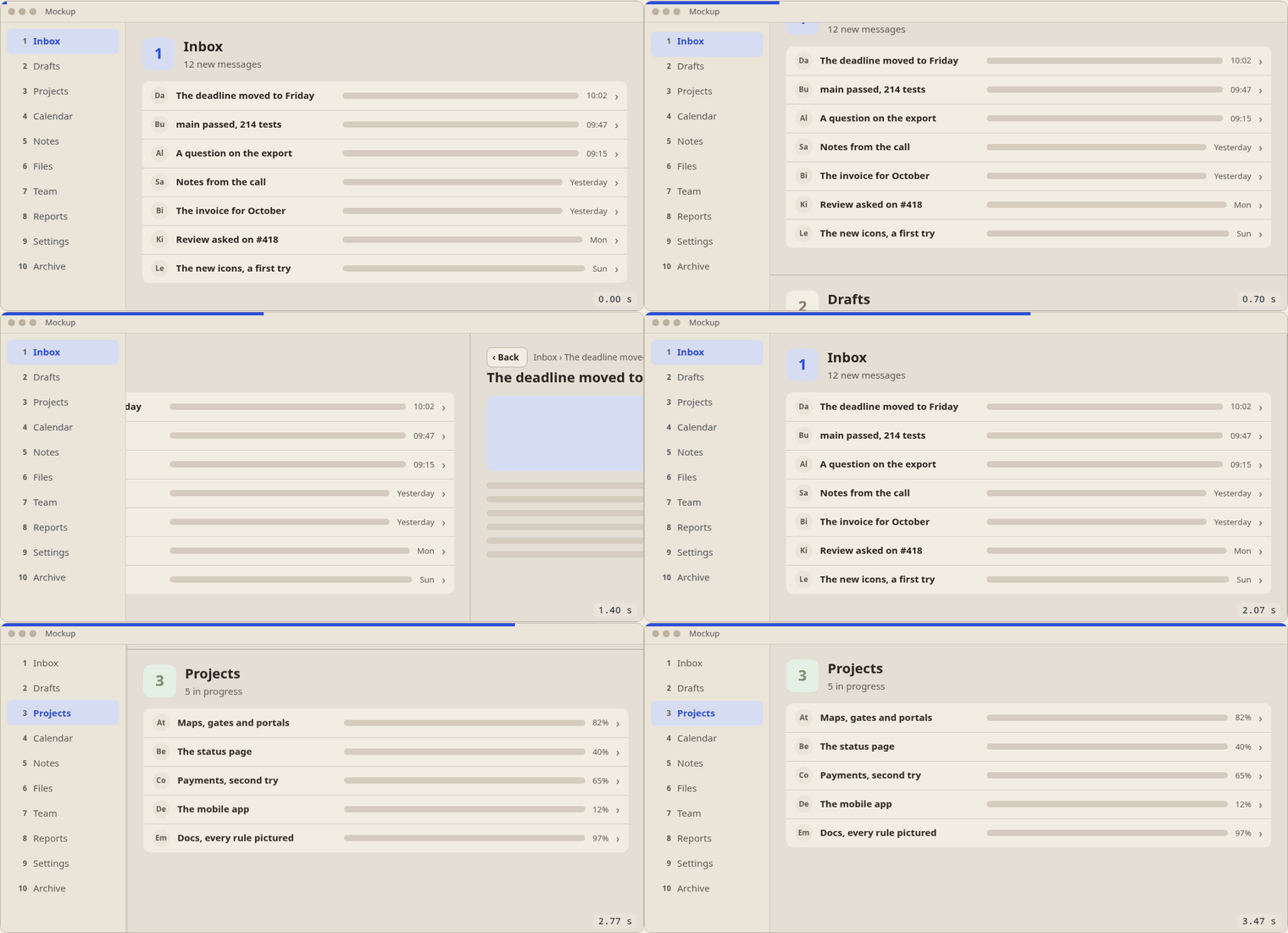
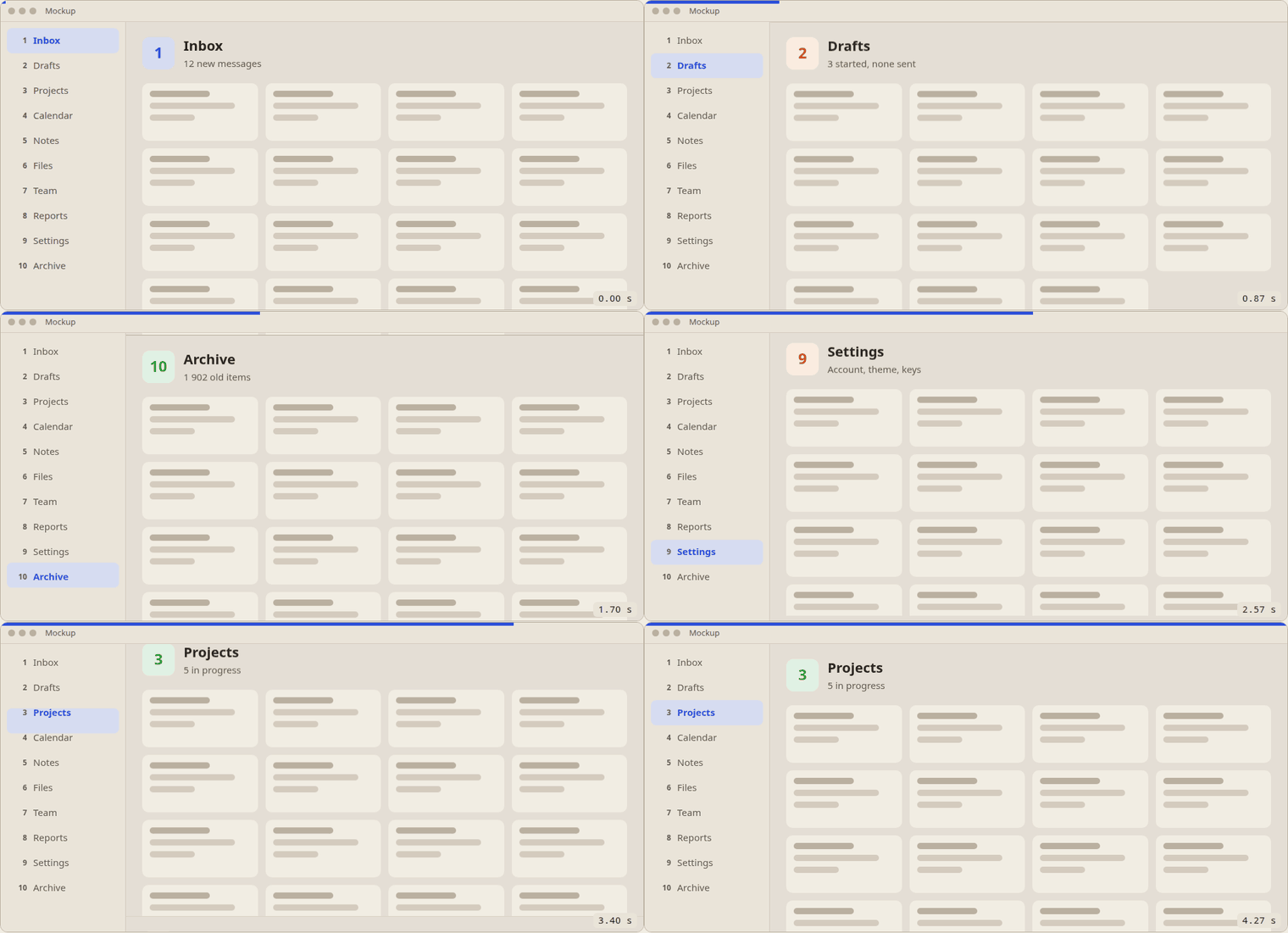
Sections slide the way the list goes. Picking another section in the sidebar slides the content vertically, like switching workspaces: down the list, the old page leaves upward and the new one rises from below; up the list, the reverse.
A far jump is one slide. From section 2 to 10 the content does not pass through 3 to 9: the two pages slide, and only the highlight crosses the items between them.
The highlight and the content move together. The selection in the sidebar slides from the old item to the new one at the same time as the content, with the same duration and easing.
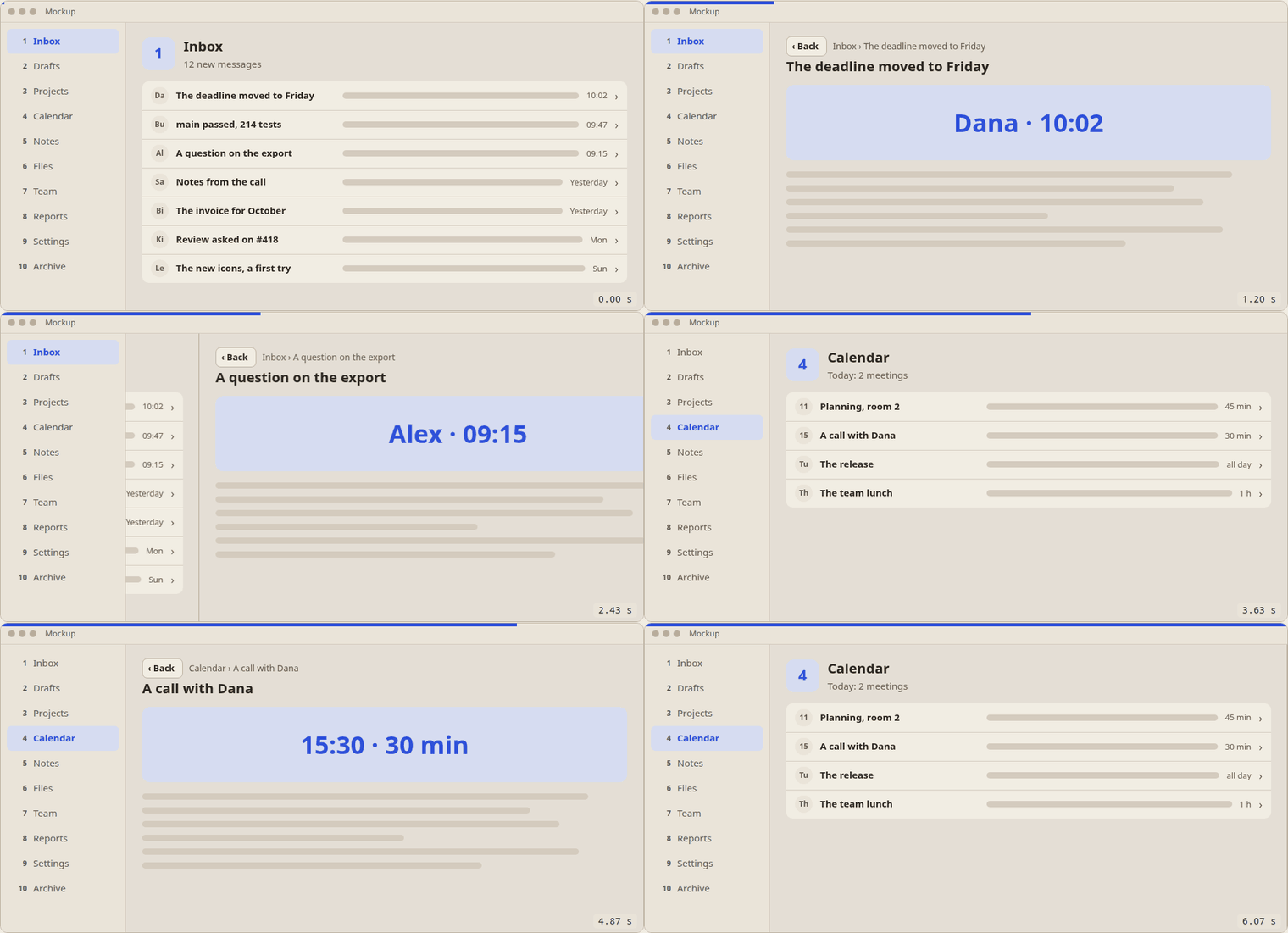
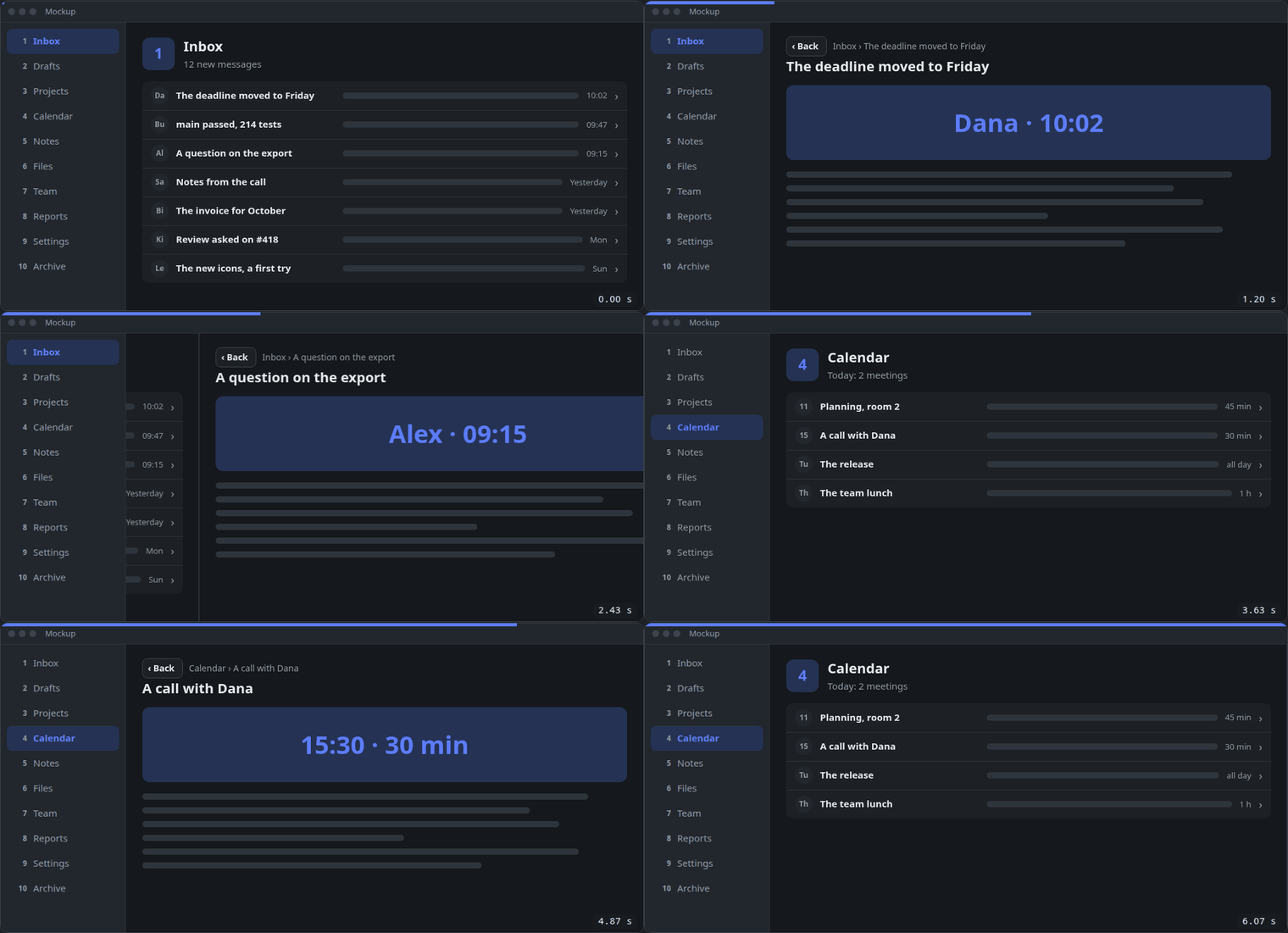
Depth is left and right. Opening a row moves the list out to the left as its page comes in from the right; Back does the reverse. Sections still slide up and down, from a list or from a row's page.
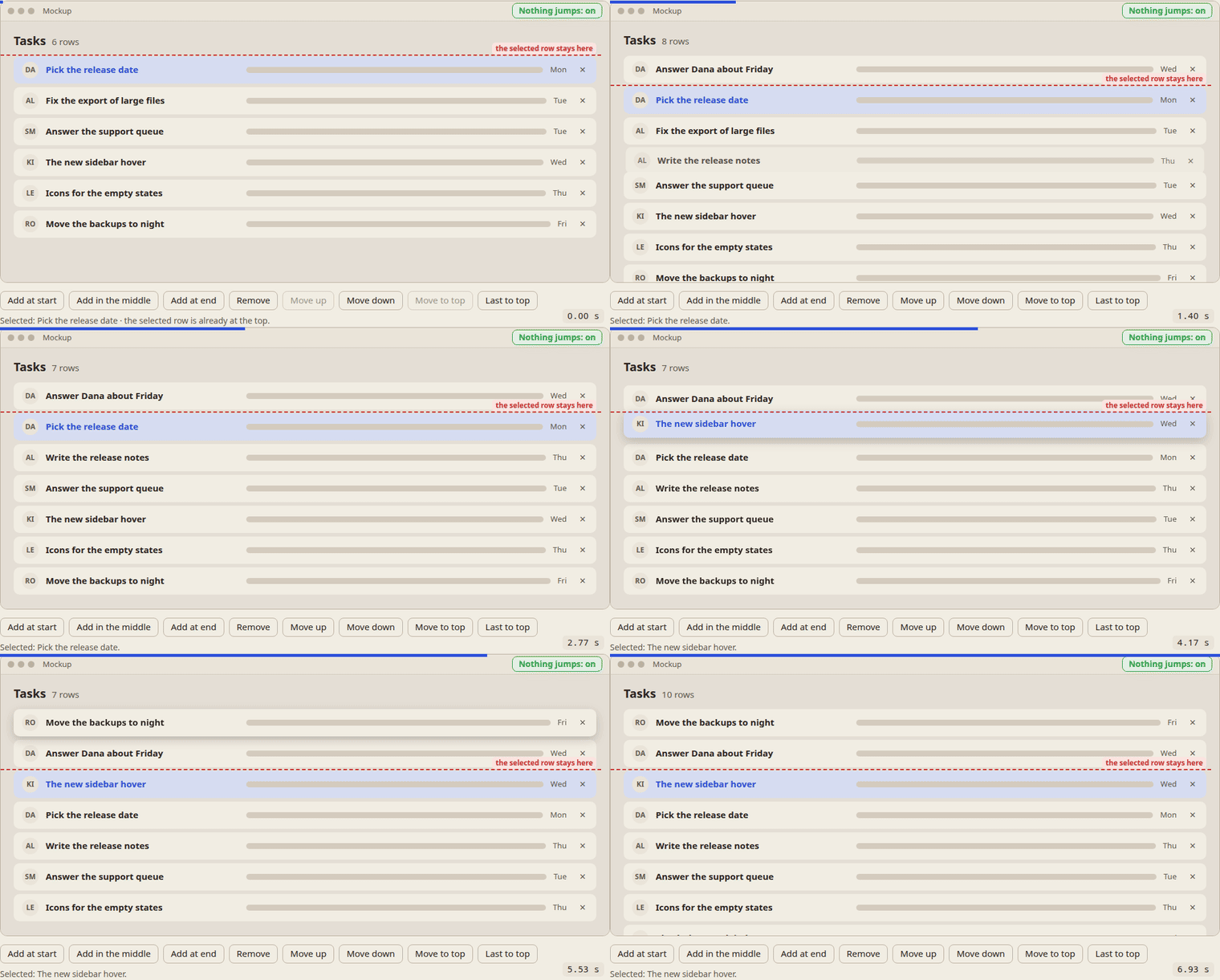
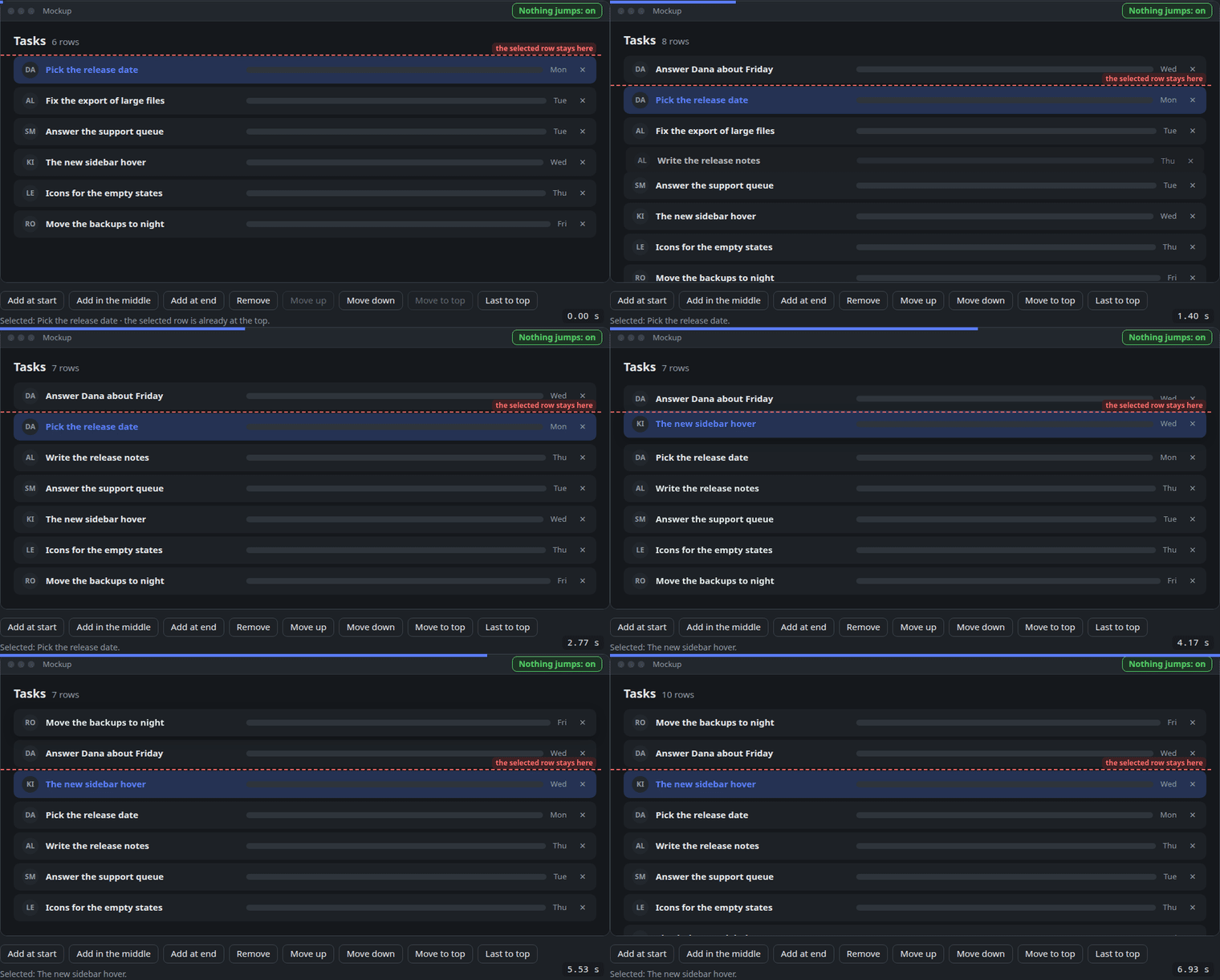
A list shows each change as movement. An added row opens a gap and fades into it; a removed row fades out and the gap closes; a moved row travels to its new place while the others make room.
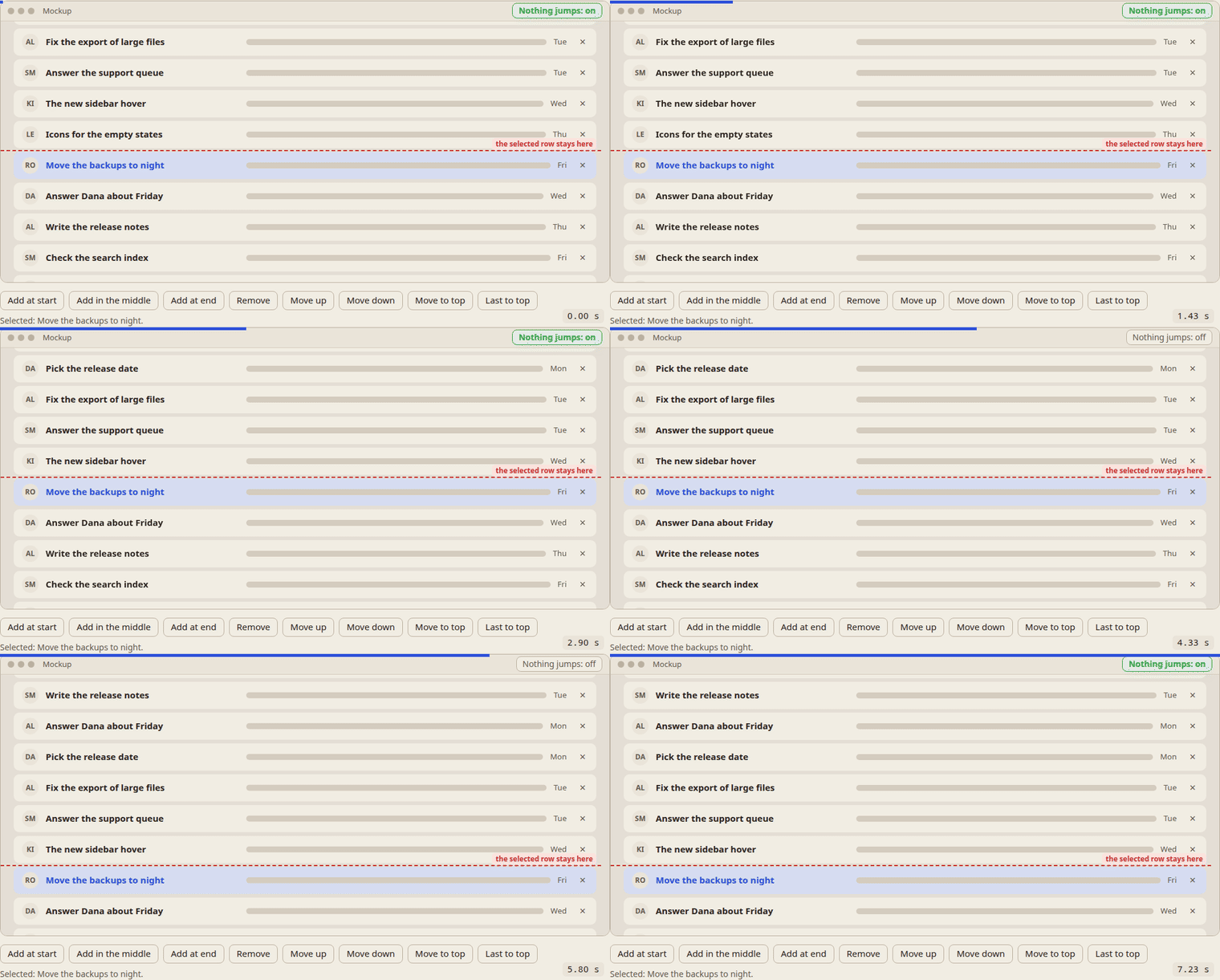
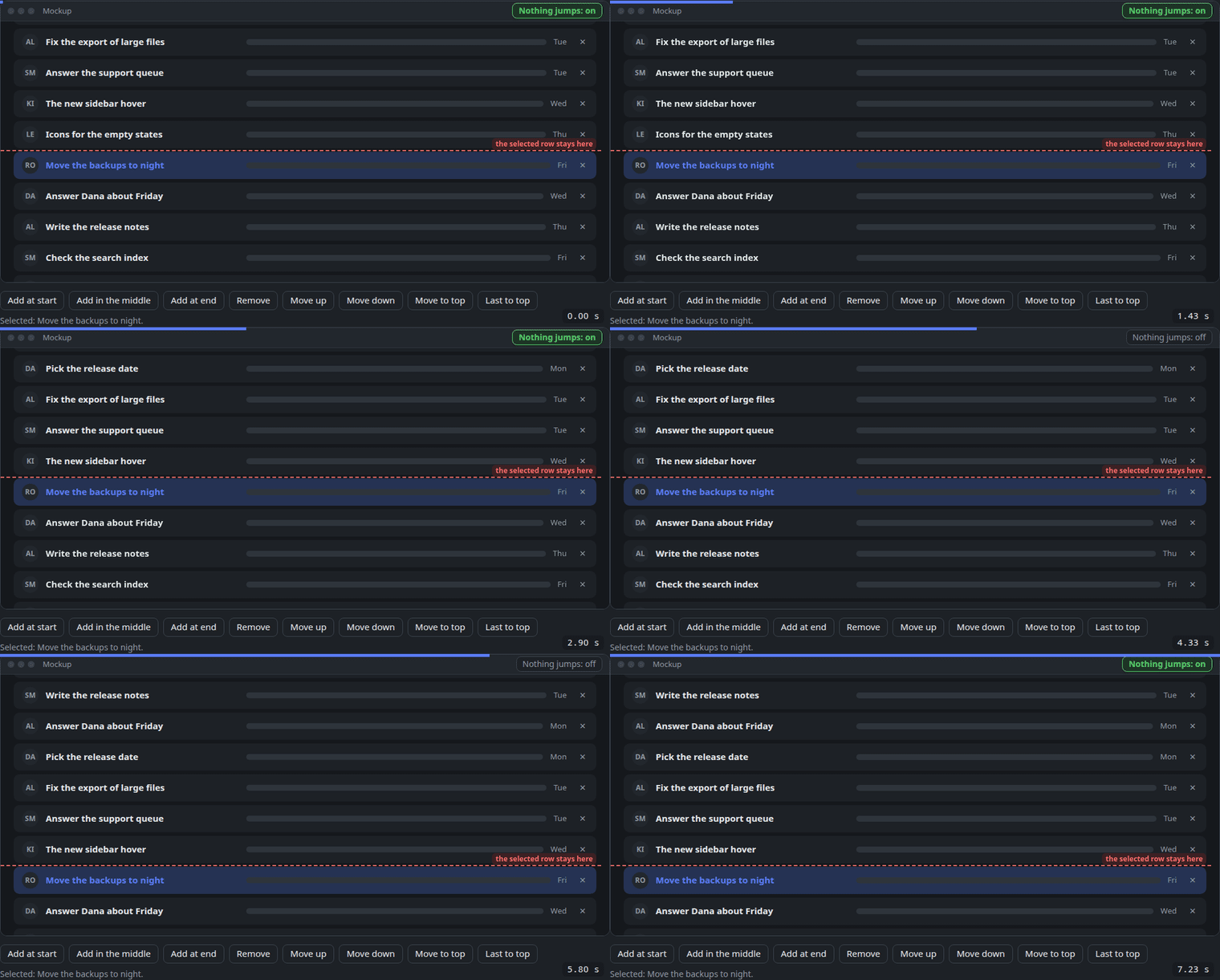
A list change never moves the working row. Rows added or removed above the selected row leave it where it is on the screen, from the first frame to the last; the scroll position takes up the difference (UIM-01). Near the list's end, where the place cannot hold, the view settles in the same frames as the move and is still when it ends, never after.
A click mid-way changes course. A click during an animation neither waits for it nor jumps back: everything moves on from where it stands on the screen at that moment.
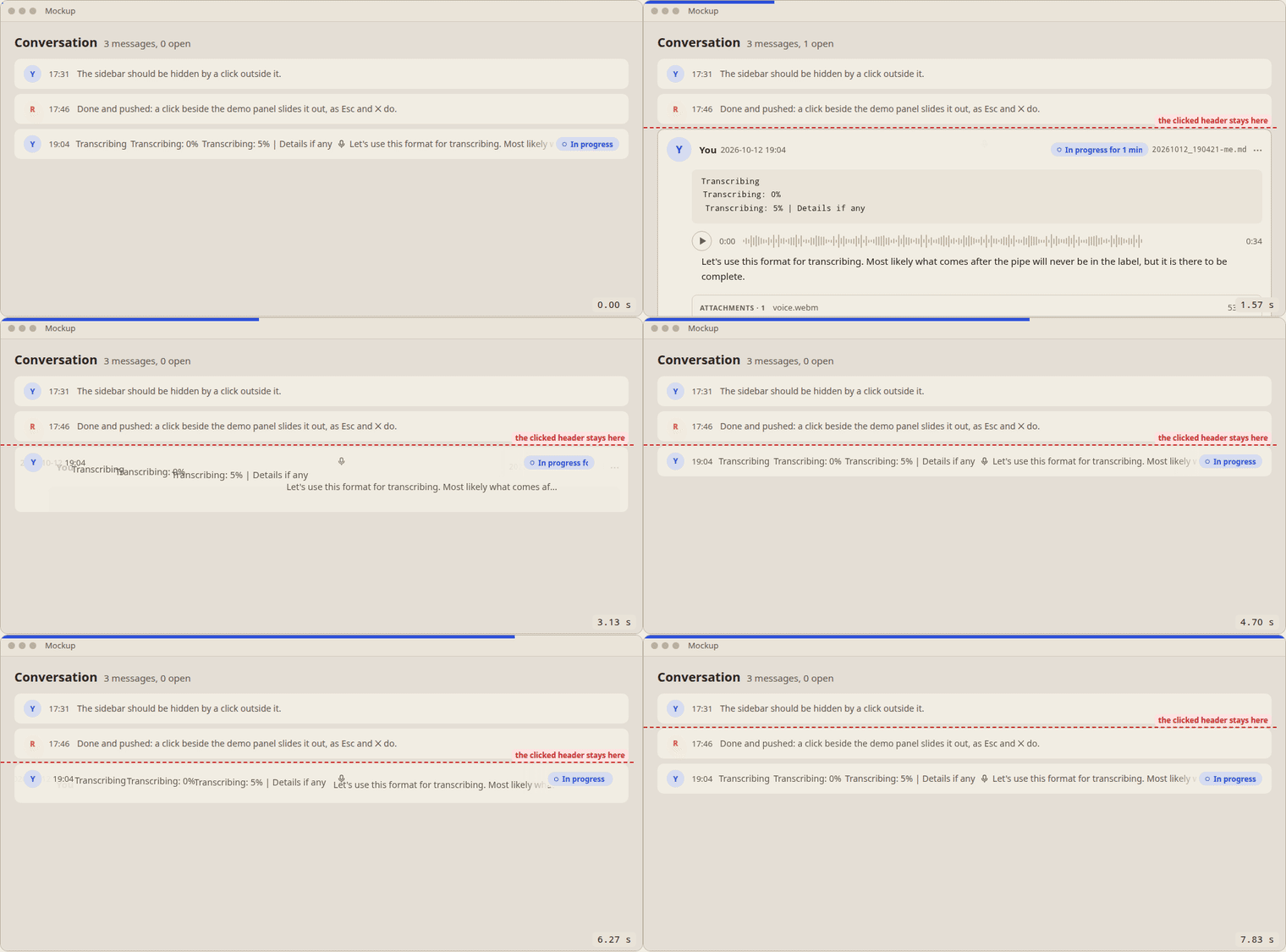
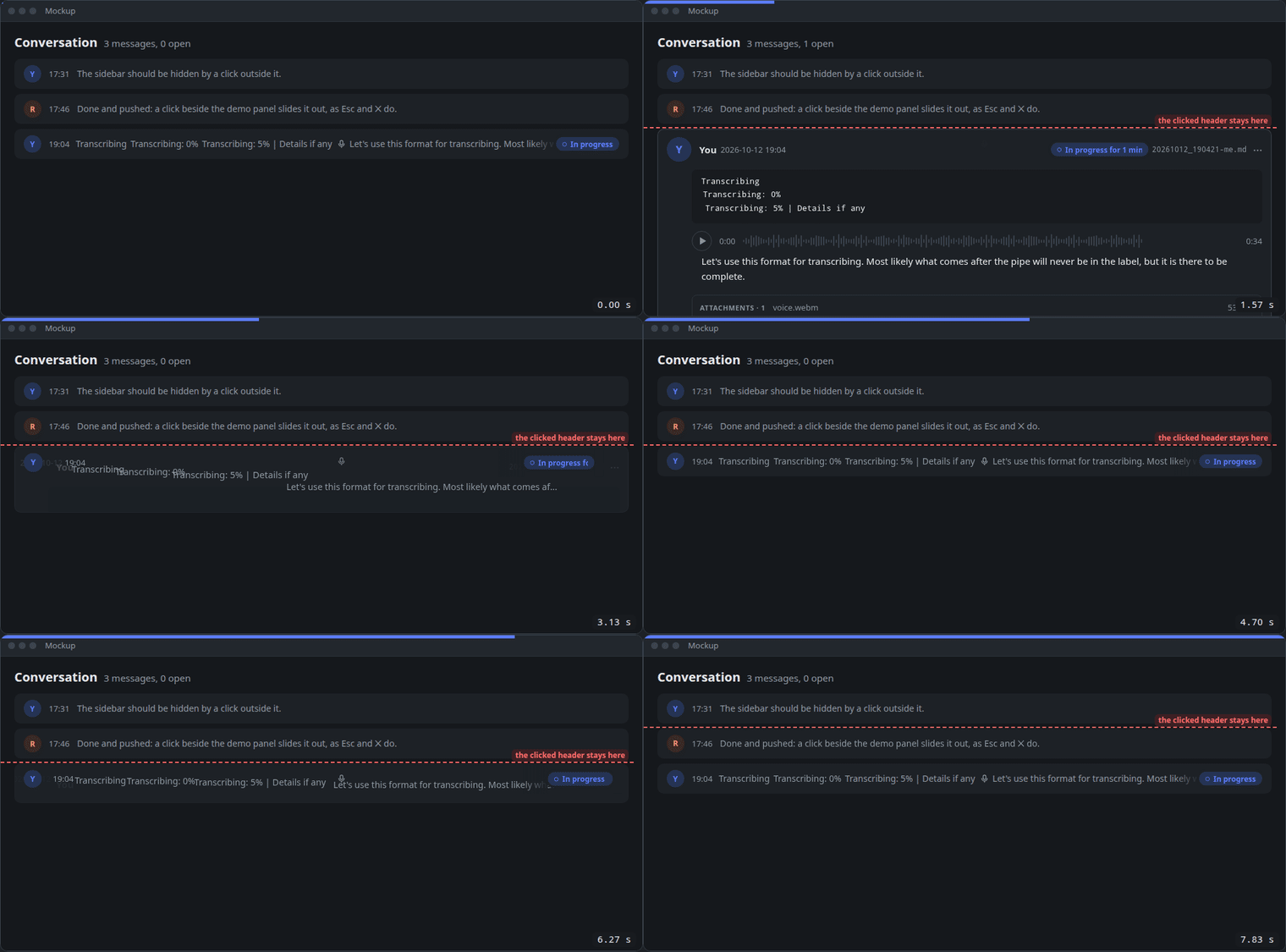
A header opens its message and folds it back. Clicking a folded one-line header opens the message in full; clicking the open header folds it back to its line. The card's height goes from the one to the other and the messages below slide with its edge.
The parts morph, nothing pops. The parts the two layouts share morph into their places in the other one: the avatar shrinks into the line, the time moves beside it, the text glides up at its smaller size, and several lines join into the one line, each to its own place in reading order; a pill keeps its box and words and only its extra words narrow away, covered by its edge, never faded. Opening is the same, backwards. Only what has no place there, the name, the picture, a player, the rest of the text, fades, over the whole movement: never whole on one frame and gone the next.
The header clicked never moves. It stands still from the first frame to the last, opening or folding, mid-way too; only what is below it moves (UIM-01).
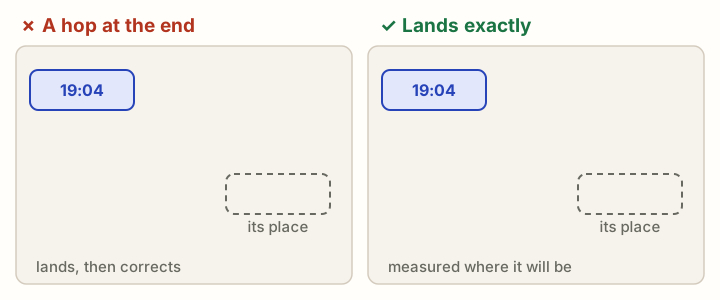
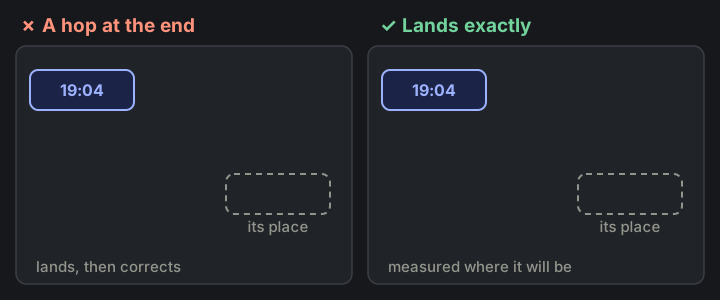
A moving part lands exactly. Each part is measured where it will be, laid out unseen first, so its last frame is the still state to the pixel: no hop at the end.
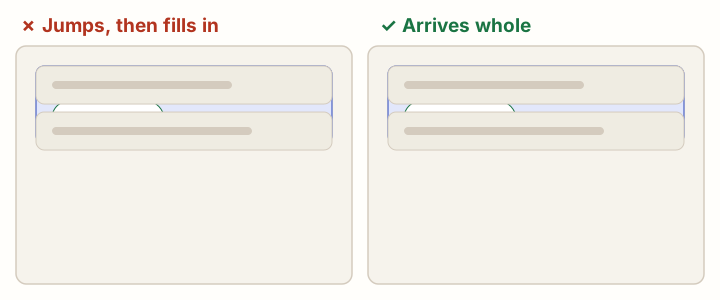
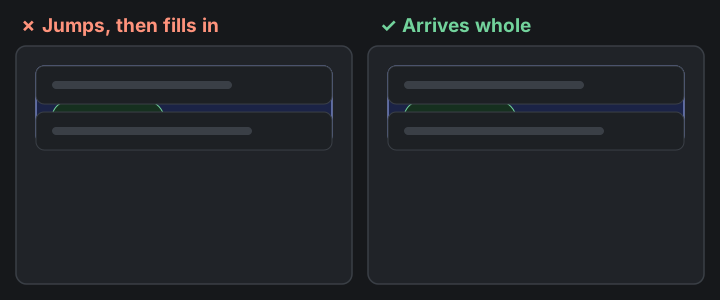
New things arrive whole. A new row or message arrives in its first frame as it will stay, with every tag and badge on it and at its final height; nothing fills in or grows after it lands.
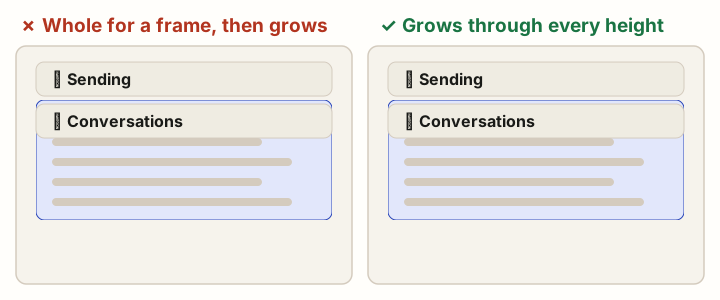
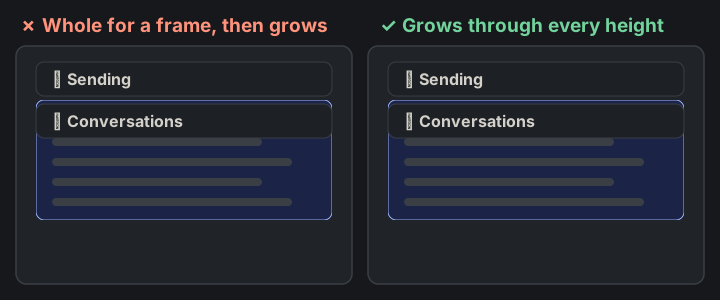
Growing goes through the heights between. A section that opens grows from closed to full through every height between, its content clipped inside, never shown whole for a frame first; closing is the same, backwards.
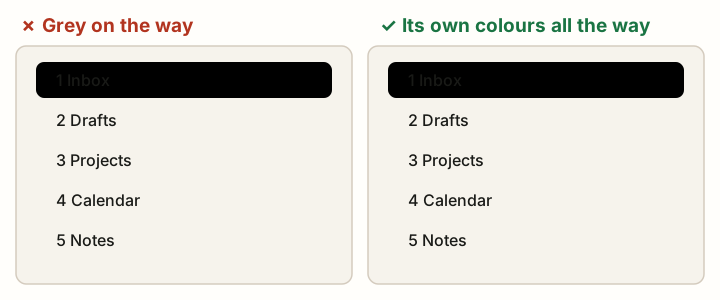
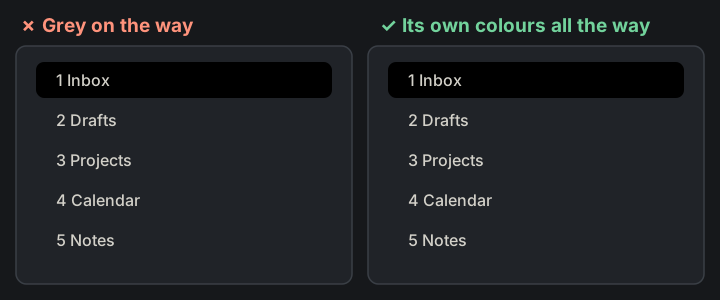
The chosen highlight glides in its final colours. The selection highlight moves from item to item in the colours it ends in, from the first frame to the last; no grey or faded colour on the way.
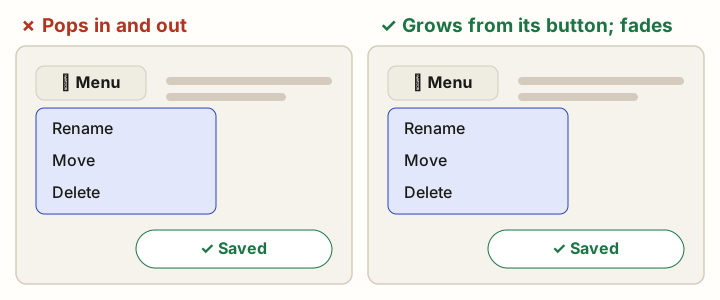
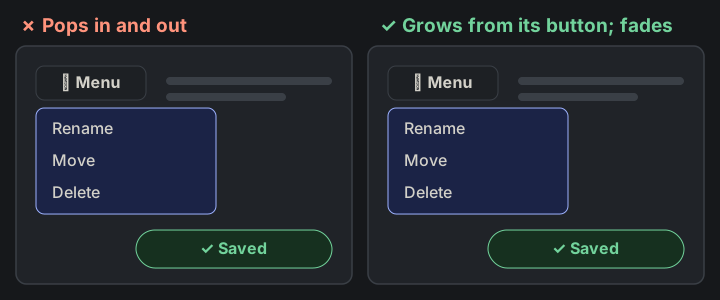
Nothing appears or disappears suddenly. No element appears or disappears suddenly; every element appears and disappears smoothly. Best, it morphs (MOTION-01): what comes from something on the screen or goes into it changes its shape, size and place through every frame between, a menu growing out of its button and back into it, a chip opening into its field. Only what has nothing to come from or go into, a toast, a tooltip, fades in as it comes and out as it goes, at the shared speed; never whole on one frame and gone on the next.